Home部落格列表English Blog【GUXON 3C】Why Is My Charging Cable Slow? USB-C Power & Cable Guide
文章分類
【GUXON 3C】Why Is My Charging Cable Slow? USB-C Power & Cable Guide
2026-10-30
GUXON CHARGING GUIDE
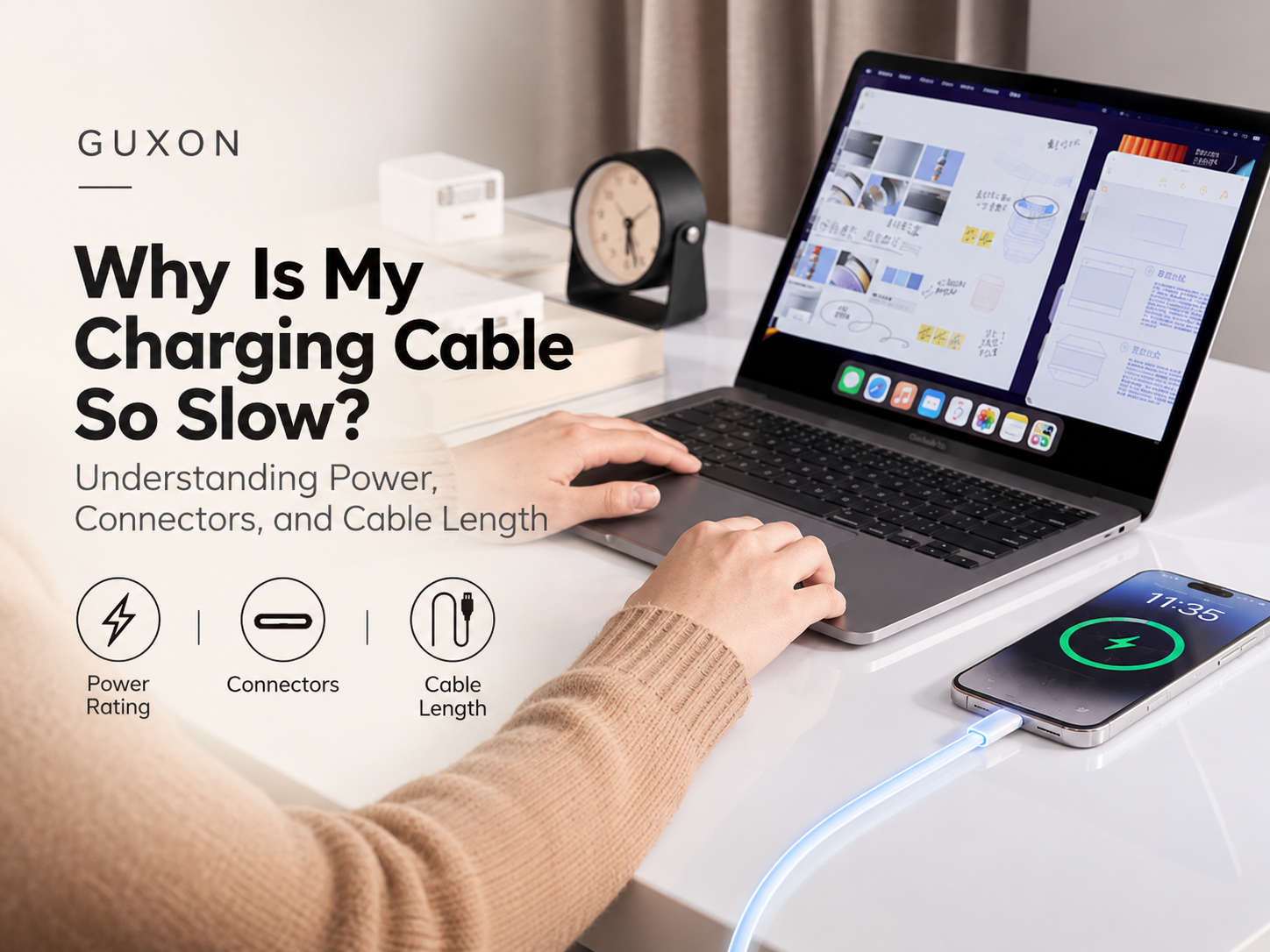
Why Is My Charging Cable So Slow? Understanding Power, Connectors, and Cable Length
By GUXON 古尚
Have you ever switched to a different charging cable and noticed that your phone suddenly takes longer to charge?
It can be confusing, especially when both cables use the same USB-C connector. They may look nearly identical, yet their charging performance can be different.
The reason is that charging speed depends on more than the connector. The cable's power rating, the charger, the connected device, and the charging conditions all play a role.
Quick Answer: A charging cable may limit charging performance if its supported current or power rating is insufficient for the device's needs. However, slow charging can also result from the charger, charging protocol, device temperature, battery condition, or power-sharing behavior. A higher-rated cable alone does not guarantee faster charging.
1. Why Do Charging Cables Affect Charging Speed?
A charging cable carries electrical power from the charger to the connected device. Its construction and supported electrical rating help determine how much power it can safely carry.
When the charger, device, and cable support compatible charging conditions, the system can deliver power within those limits.
If a cable is not suitable for the required current or charging configuration, the available charging power may be restricted. Cable damage, poor connections, or excessive electrical resistance can also affect performance.
2. USB-C Connectors Do Not All Mean the Same Charging Capability
USB-C describes the physical connector, not a guaranteed charging speed.
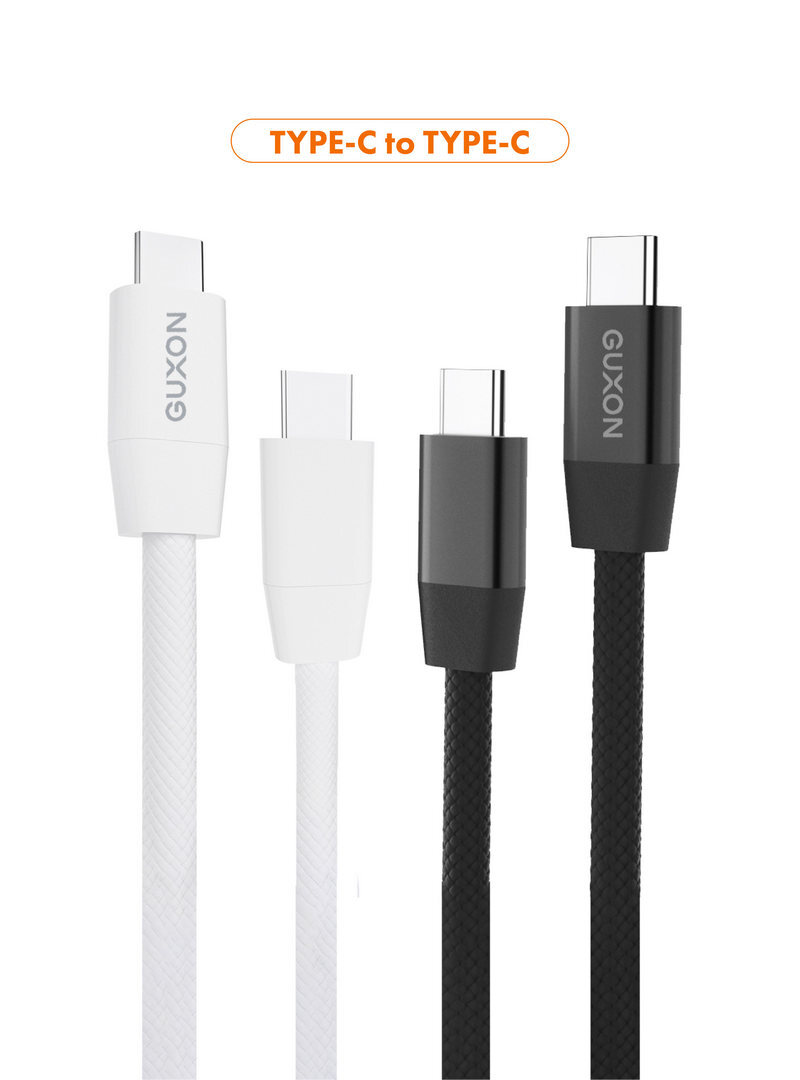
Two USB-C cables can have the same appearance while supporting different current ratings, power levels, and data-transfer features.
For example, some USB-C to USB-C cables are rated for up to 3A, while appropriately designed and electronically marked cables can support higher current, such as 5A, when used with compatible equipment.
The actual power available still depends on the charger, device, cable rating, and supported USB Power Delivery operating conditions. A cable's advertised maximum rating is not a promise that every connected device will charge at that power.
Important: USB-C Is Not the Same as USB Power Delivery
USB-C refers to the connector format. USB Power Delivery, or USB PD, is a power-delivery standard used by compatible devices and chargers to negotiate supported charging conditions. Having a USB-C connector does not automatically guarantee USB PD support or a particular fast-charging speed.
3. Does a Higher-Wattage Charging Cable Charge Faster?
Not necessarily.
A cable with a higher power rating provides additional capacity, but the connected device determines how much power it can accept under supported charging conditions.
For example, using a cable rated for substantially more power than a smartphone requires will not automatically make the smartphone charge faster.
A higher-rated cable becomes useful when the charging setup actually requires that capacity, such as with certain higher-power USB-C laptops or other compatible devices.
4. Does Cable Length Affect Charging Speed?
Cable length can affect electrical resistance. All else being equal, a longer conductor has greater resistance than a shorter conductor made from the same material with the same cross-sectional area.
Higher resistance can contribute to voltage drop and heat during power transmission. Under some charging conditions, this may reduce charging performance.
However, cable length alone does not determine charging speed. Conductor thickness, materials, connector quality, cable design, and the charger's ability to maintain appropriate output also matter.
A well-designed longer cable that meets the required specifications may perform better than a poorly constructed shorter cable. Rather than assuming shorter is always faster, choose a cable with a suitable rating from a reliable manufacturer.
5. Why Is Charging Still Slow With a Good Cable?
Even when a charging cable meets the device's requirements, several other factors can influence charging speed.
01 | Charger Output
The charger may not provide the wattage or charging protocol required for the device's faster charging modes.
02 | Device Charging Limits
Smartphones, tablets, and laptops have their own charging limits. A more powerful charger or cable cannot override those limits.
03 | Battery Level and Temperature
Devices may reduce charging power as the battery approaches full charge or when temperature-management systems require it.
04 | Multiple Connected Devices
Some multi-port chargers redistribute available output power when additional devices are connected.
05 | Cable or Connector Condition
Damaged cables, worn connectors, or debris in a charging port can interfere with a reliable connection. Stop using visibly damaged charging accessories.
6. How to Check What Is Slowing Down Your Charging
If charging suddenly becomes slower, start with a few simple checks rather than immediately buying a higher-wattage cable.
Step 1. Confirm the device's supported charging specifications.
Step 2. Check the charger's output rating and supported charging protocols.
Step 3. Verify that the cable is rated for the required charging conditions.
Step 4. If available, compare performance using a known-compatible, undamaged cable.
Step 5. Check whether device temperature, battery level, or other connected devices could be affecting charging.
When comparing cables, try to keep the charger, device, battery level, and usage conditions as consistent as practical. This makes it easier to identify whether the cable is contributing to the difference.
7. How to Choose the Right Charging Cable
The best cable is not necessarily the one with the highest advertised wattage or the shortest length. It is the one that matches your devices and everyday charging needs.
For a phone or tablet, check the manufacturer's charging requirements and choose a compatible cable with an appropriate power rating.
For a USB-C laptop, pay particular attention to the power rating and any electronic marking requirements associated with the charging configuration.
If you frequently move between your desk, home, and travel bag, consider a cable length that is practical for your environment while still meeting the relevant charging specifications.
Conclusion: Charging Speed Depends on the Whole Setup
A slow charging cable is not always the real cause of slow charging.
Charging performance depends on how the cable, charger, and device work together, as well as factors such as battery level, temperature, and connection quality.
Understanding cable ratings, USB-C connectors, charging protocols, and cable length can help you choose accessories more confidently and troubleshoot charging problems more effectively.
At GUXON, we believe charging accessories should make everyday technology simpler. Choosing compatible equipment based on real device requirements is more useful than relying on wattage claims alone.