【GUXON 3C 】Why Does Multi-Port Charging Slow Down? Power Sharing Guide
2026-10-30
GUXON CHARGING GUIDE
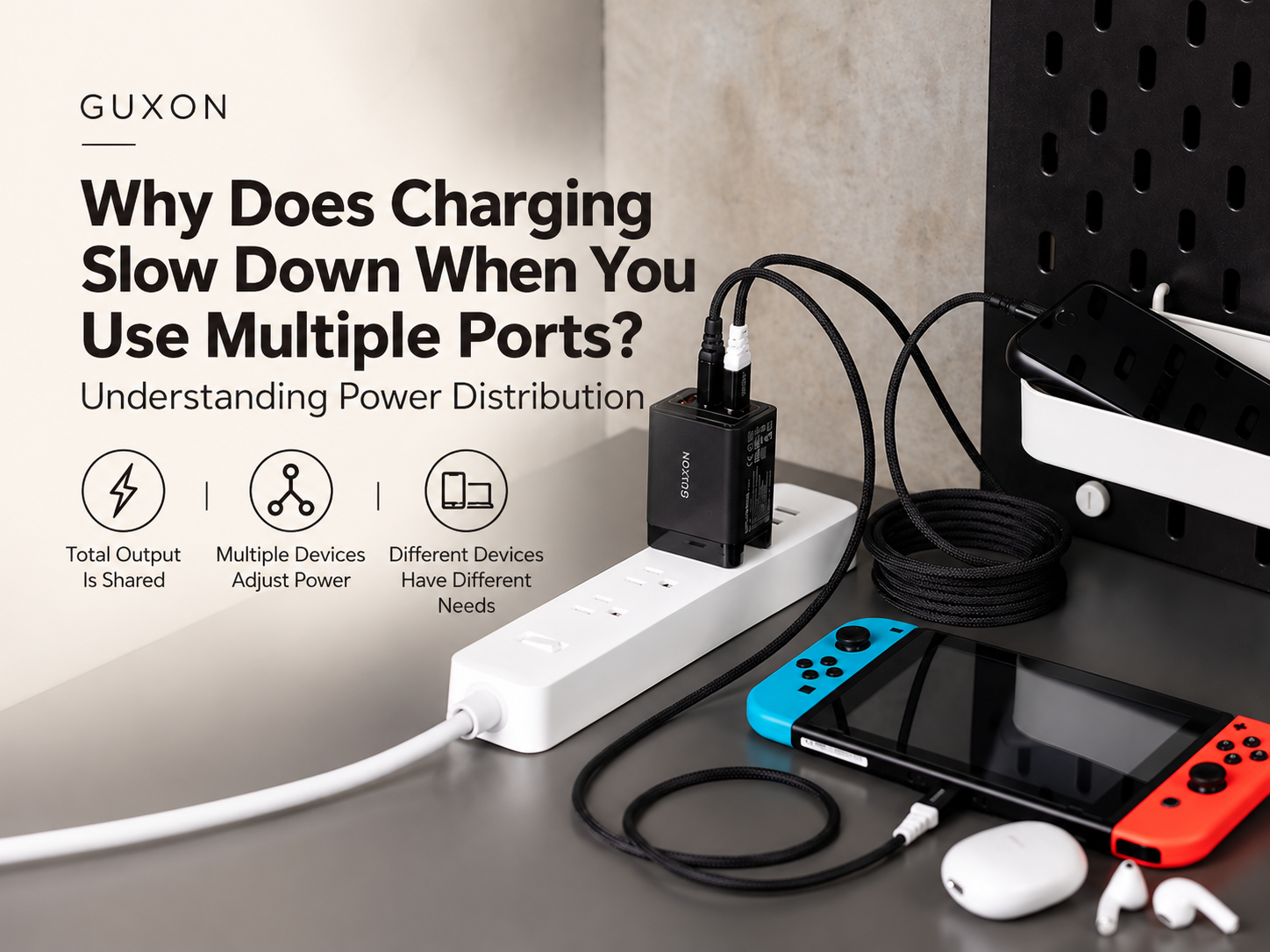
Why Does Charging Slow Down When You Use Multiple Ports? Understanding Power Distribution
By GUXON 古尚
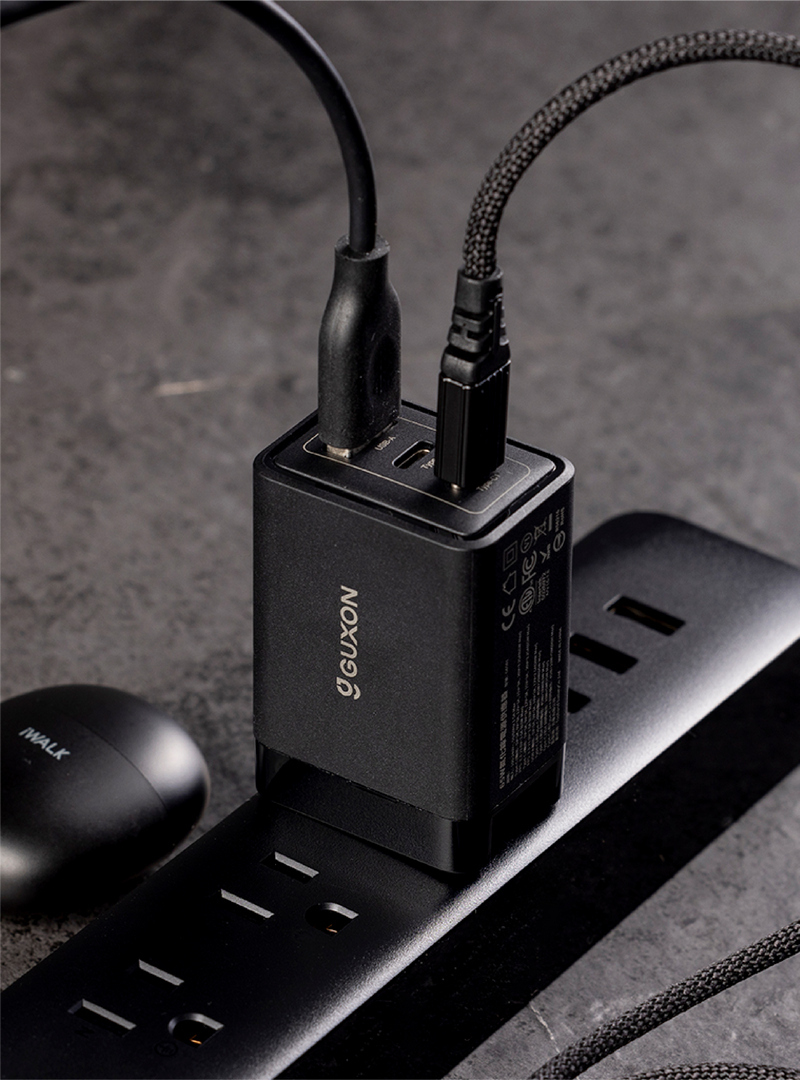
A multi-port charger makes it convenient to charge a phone, tablet, and other devices without carrying several separate adapters.
But have you noticed that your phone sometimes charges more slowly after you connect another device? In some cases, charging may even pause briefly before resuming.
This does not necessarily mean the charger is defective. The behavior may be related to how the charger distributes its available output power across multiple ports.
Quick Answer: A multi-port charger's advertised wattage is not necessarily available from every port at the same time. When additional devices are connected, some chargers redistribute their available output power. Depending on the model and connected devices, this may change charging speed or briefly interrupt charging while the power configuration is updated.
1. What Does Power Distribution Mean?
Power distribution describes how a multi-port charger allocates its available output power among connected devices.
For example, a charger advertised with a maximum total output of 100W may be able to provide up to 100W through a particular port when used alone, depending on its specifications.
However, when two or more ports are used simultaneously, the charger may divide that available output into different combinations. The supported combinations vary by model.
Important: Total Output Is Not Per-Port Output
A charger's total rated output and each port's individual output limit are different specifications. A charger labeled 100W does not necessarily provide 100W through every port, especially when multiple devices are connected.
2. Why Can Charging Become Slower When a Second Device Is Connected?
When only one device is connected, it may have access to a higher output configuration supported by that port.
After a second device is connected, the charger may switch to a different power allocation. This can reduce the maximum output available to the first device.
If the first device was using more power than its newly allocated port limit, its charging performance may change.
However, charging will not always slow down. If both devices require relatively little power, or if the charger's multi-port output is sufficient for their needs, the difference may be minimal or unnoticeable.
3. How Does Power Sharing Work? A Simple Example
Consider a hypothetical multi-port charger with a maximum combined output of 100W.
Scenario A | One Device Connected
A compatible laptop is connected to a port that supports up to 100W when used alone. The laptop may draw power within its own charging requirements and the port's supported limits.
Scenario B | Two Devices Connected
After a phone is connected to another port, the charger might switch to a configuration such as 65W for the laptop port and 30W for the phone port.
These figures are illustrative only. They do not describe a specific GUXON product. Actual output combinations must be confirmed in the charger's official specifications.
In this example, the laptop may receive less power than it could with the first port used alone. Whether that noticeably changes charging speed depends on the laptop's current power demand and charging behavior.
4. Why Does Charging Sometimes Disconnect and Reconnect?
Some multi-port chargers briefly adjust their output when a device is connected or disconnected.
During this transition, the charger and connected devices may need to establish new charging conditions. On certain models, this can cause a short interruption before charging resumes.
A brief, repeatable transition that is documented by the manufacturer can be part of a charger's normal operation.
However, repeated disconnections, unstable charging without any changes to connected devices, unusual overheating, visible damage, or abnormal odors should not automatically be treated as normal power distribution. Stop using an accessory if there are signs of damage or overheating and contact the manufacturer for assistance.
5. Do Different Ports Have Different Charging Capabilities?
Yes. On some chargers, different ports support different maximum outputs or charging protocols.
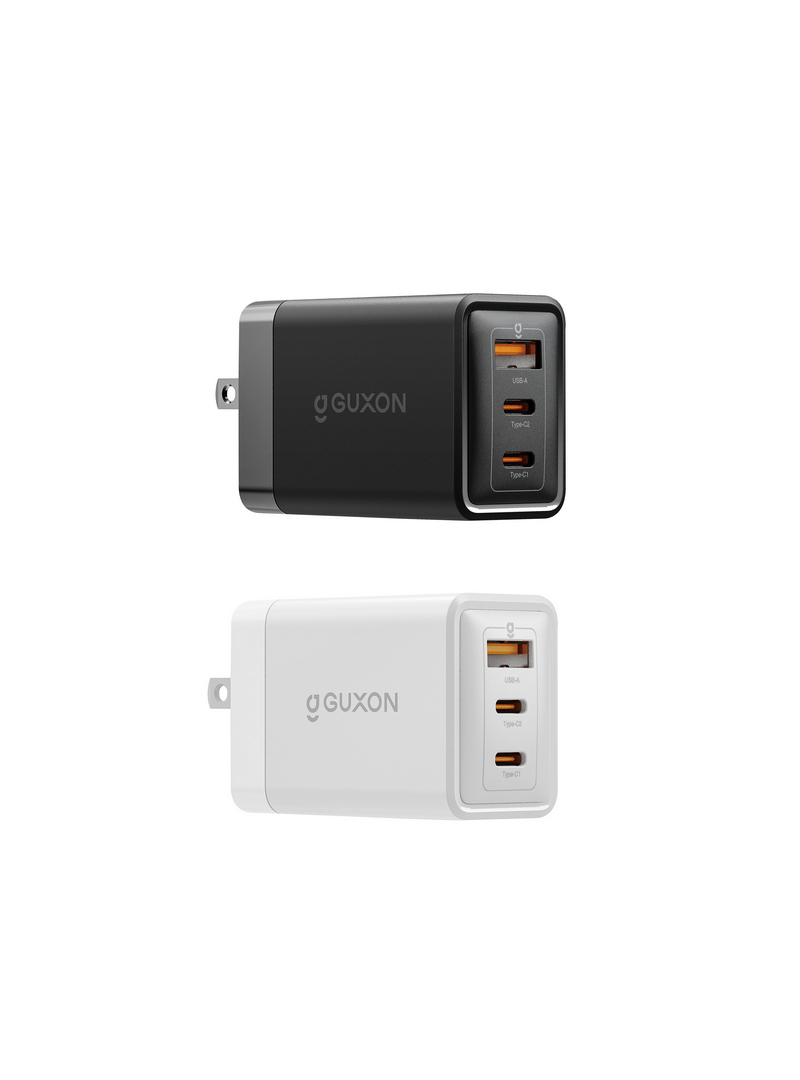
For example, a charger may have one USB-C port designed for higher-power devices, another USB-C port with a lower output limit, and a USB-A port for other compatible devices.
Port behavior can also change depending on which combination of ports is occupied.
This is why checking only the number of ports is not enough. Review the manufacturer's single-port and simultaneous-output specifications before choosing a charger.
6. Does a Higher-Wattage Multi-Port Charger Solve the Problem?
A charger with greater total output capacity may provide more flexibility, but a higher advertised wattage does not guarantee that every device will charge at its maximum supported speed.
Actual charging performance still depends on each port's output limits, power-sharing configuration, supported charging protocols, cables, and device requirements.
A charger with an appropriate port configuration for your devices may be more useful than one with a higher total wattage but less suitable power allocation.
7. How to Choose a Multi-Port Charger for Your Devices
Before choosing a multi-port charger, consider these four questions.
01 | Which Device Needs the Most Power?
Start with the manufacturer's recommended charging specifications for your laptop or other high-power device.
02 | How Many Devices Will You Charge Simultaneously?
Choose the number of ports based on your actual usage, rather than assuming more ports are always better.
03 | What Are the Multi-Port Output Combinations?
Check the power allocation for the exact port combinations you expect to use.
04 | Are Your Devices and Cables Compatible?
Confirm that the charger supports the required charging protocols and that your cables are appropriately rated.
8. What Should You Check If Multi-Port Charging Seems Slow?
If charging becomes noticeably slower when several devices are connected, try the following checks:
Step 1. Check the charger's official multi-port output specifications.
Step 2. Compare charging behavior with one device connected and then with multiple devices connected.
Step 3. Confirm that each device is connected to an appropriate port.
Step 4. Check cable compatibility and the device's supported charging requirements.
Step 5. Consider battery level, temperature, and device activity when comparing charging performance.
Keep testing conditions as consistent as practical. If charging remains unstable or behaves differently from the manufacturer's stated specifications, contact the manufacturer for assistance.
Conclusion: Understand Power Sharing Before Choosing a Charger
Multi-port chargers can simplify everyday charging, but their performance depends on how available power is distributed.
When several devices are connected, the charger may adjust the output available to individual ports. This can affect charging speed, and some designs may briefly reconfigure charging when connections change.
The key is to understand the charger's total output, individual port limits, simultaneous-output combinations, and device compatibility.
At GUXON, we believe a good charging setup should make daily life simpler. Choosing a charger that matches your actual devices and usage habits is more valuable than relying on its maximum wattage alone.