【 GUXON 3C 】Can One Charger Charge a Phone, Tablet and Laptop?
2026-10-30
GUXON CHARGING GUIDE
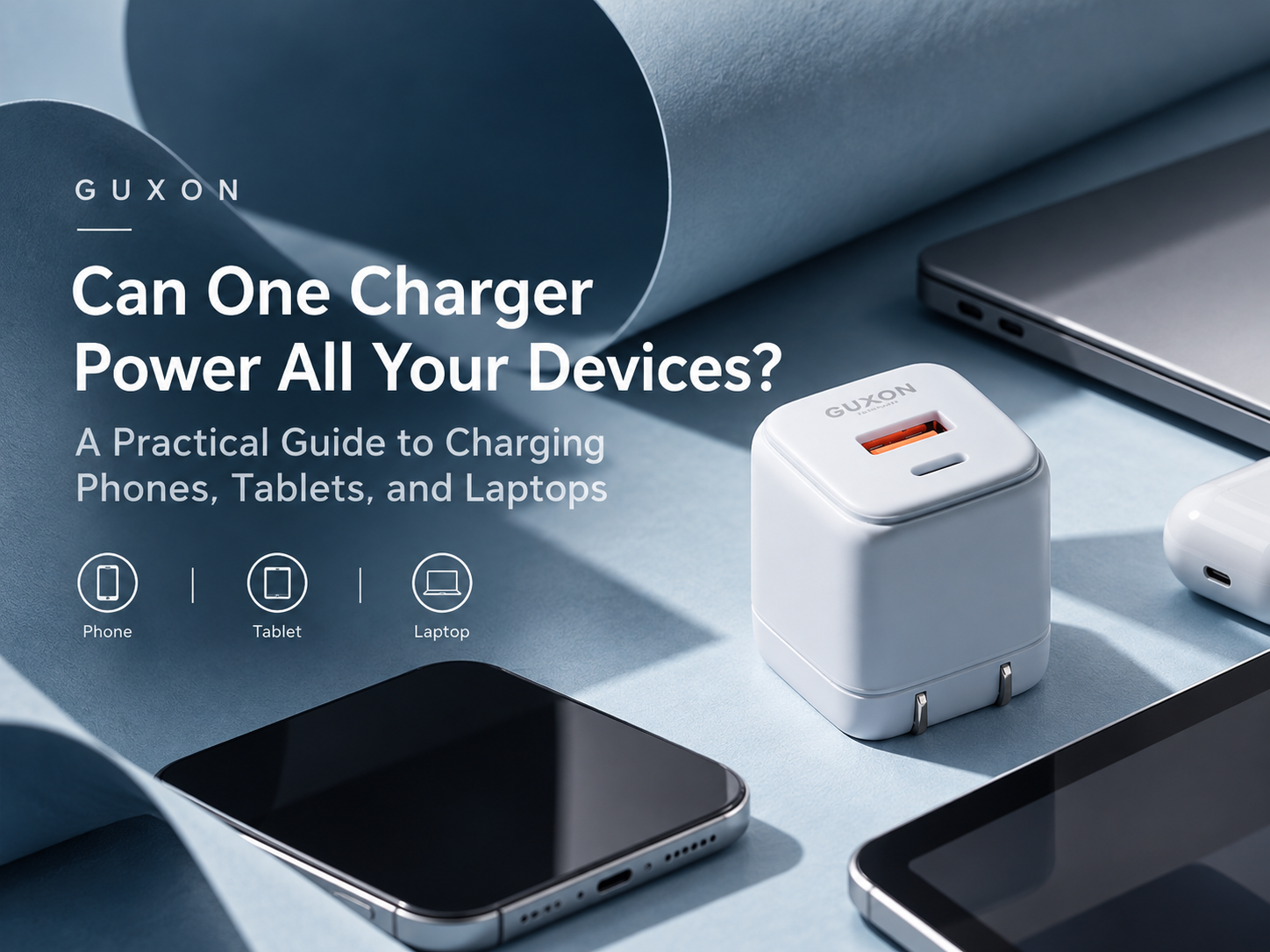
Can You Use One Charger for Your Phone, Tablet, and Laptop?
By GUXON 古尚
As more smartphones, tablets, and laptops adopt USB-C connections, carrying a separate power adapter for every device can feel unnecessary. A single charger sounds like a more convenient solution, especially for workspaces, business trips, and everyday travel.
But sharing the same connector does not guarantee that every device will charge at its expected speed.
In many cases, one compatible USB-C charger can power a phone, tablet, and laptop. The key is to check the devices' charging requirements, supported protocols, available output power, and cable specifications.
USB-C Uses One Connector, but Charging Capabilities Still Vary
USB-C refers to the physical connector. It does not automatically mean that every USB-C device supports the same charging wattage or USB Power Delivery features.
A smartphone, tablet, and laptop may all have USB-C ports while requiring different charging conditions.
USB Power Delivery, commonly called USB PD, is a charging standard that allows compatible devices and power sources to establish appropriate power-delivery conditions.
This is why a properly designed higher-wattage USB PD charger can often work with a lower-power device without continuously delivering its maximum rated output.
However, compatibility still matters. Some devices rely on particular charging protocols or manufacturer-specific requirements, so USB-C alone is not enough to guarantee maximum charging performance.
Start With the Device That Needs the Most Power
When choosing a charger for several devices, begin with the device that has the highest charging requirement. For many people, that device is a laptop.
Check the laptop manufacturer's recommended adapter wattage and supported charging method before selecting a shared charger.
A lower-power adapter may still work with certain laptops, but charging can be slower, especially during demanding tasks. Some laptops may not accept an adapter that does not meet their charging requirements.
If you also want to charge a phone or tablet, consider how much additional output capacity is available when those devices are connected. A charger's advertised maximum wattage should be treated as a starting point, not proof that it can support every device combination at full speed.
How Many Devices Do You Charge at the Same Time?
There is an important difference between using one charger for several devices throughout the day and charging several devices simultaneously.
If you charge your laptop during working hours and your phone overnight, one compatible single-port charger may already be enough.
If you regularly connect a laptop, tablet, and phone at the same time, a multi-port charger may be more practical.
Understanding Multi-Port Power Distribution
Multiple ports do not necessarily mean that each port can deliver the charger's full advertised wattage. For example, a charger with a maximum output of 100W might provide a different allocation when two ports are occupied. The actual allocation varies by model and should be checked in the manufacturer's specifications.
Always check the output specifications for the exact port combination you plan to use, rather than relying only on the maximum advertised wattage.
Check the Charging Protocol and Cable
A successful multi-device setup depends on more than the power adapter.
The charging protocol must be compatible with the connected device, and the cable must support the required power.
USB-C cables can look nearly identical while offering different charging and data capabilities. A cable suitable for charging a phone may not be the best choice for a higher-power laptop.
For a simpler daily setup, consider keeping a clearly identified, appropriately rated cable for the device with the highest power requirement. This reduces uncertainty when switching between devices and makes troubleshooting easier if charging performance changes.
A Shared Charger for Your Desk or Travel Bag
At a desk, convenience usually means having enough ports, suitable output power, and reliable connections for devices you use regularly.
A multi-port charger can help reduce the number of separate adapters and power outlets needed, provided its simultaneous-output specifications match your setup.
Travel introduces another consideration: portability.
If you only bring a phone and a small tablet, a compact charger may be more practical than a larger high-output model. If you travel with a laptop as well, the laptop's charging requirements should become the starting point.
The most useful charger is not necessarily the one with the largest wattage number. It is the one that supports your actual combination of devices without unnecessary complexity.
How to Choose One Charger for Multiple Devices
Before buying a shared charger, answer three questions:
01 | What is the recommended wattage of your most demanding device?
Check the manufacturer's charging specifications for your laptop or other high-power device.
02 | How many devices do you normally charge simultaneously?
Review the number of available ports and the charger's simultaneous power distribution.
03 | Which charging protocols and cables do your devices require?
Make sure the charger, connected devices, and cables are compatible.
If your setup includes only a phone and tablet, choose a charger that supports their charging requirements and your preferred number of ports.
If your setup includes a USB-C laptop, start with its recommended charging specifications and then evaluate whether the charger provides enough additional output for other connected devices.
Conclusion: One Charger Can Be Enough When the Setup Is Right
Using one charger for your phone, tablet, and laptop can make everyday charging simpler. It may reduce cable clutter, save space in your bag, and make device management more convenient.
The important part is choosing a compatible charging system.
By matching the devices' power requirements, charging protocols, port configuration, and cable capabilities, you can build a more practical setup without buying a separate adapter for every device.
At GUXON, we believe a good charging setup should make everyday technology easier to use. Understanding compatibility and actual device requirements is a better starting point than simply choosing the highest wattage available.