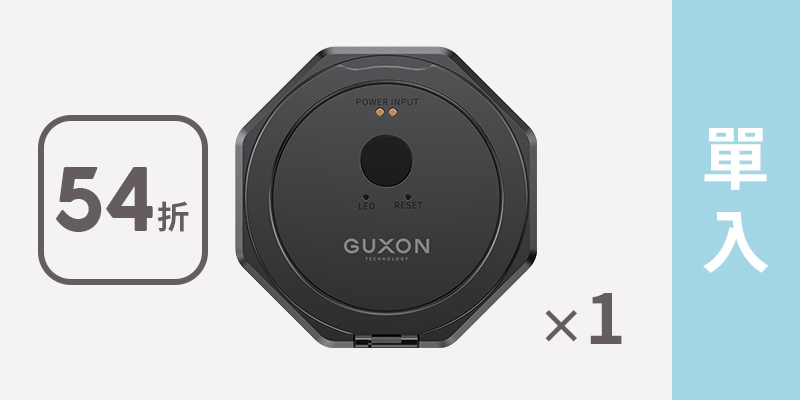
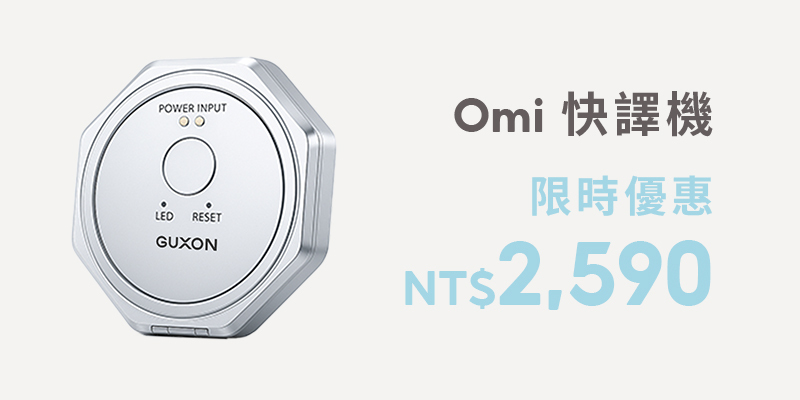
Worried about not being able to make yourself understood abroad? A translator device does the talking for you — cabin-friendly, pocket-sized, and genuinely useful.
The GUXON Omi translator pairs with a free companion app. Setup is straightforward, and once it is done you just use it.
How is it different from just using your phone?
- No unlocking and app-switching — fewer steps, faster response
- More intuitive in use — speak, translate, reply; the rhythm holds
- Conversation keeps flowing — you are not breaking eye contact to fiddle with a phone
Three things that matter in practice
- Response speed — it gets into translation mode quickly, instead of burning time on setup
- Connection stability — with the app, what matters is that the link holds rather than dropping mid-conversation
- Intuitive flow — no constant screen-switching or settings checks interrupting the exchange
The hardware
- Very thin and light — roughly 46g and 6mm thick, so it disappears into a pocket or bag
- 150+ languages — covering the major language regions, for meetings, independent travel, video calls, offline use and translating video audio
- Doubles as a phone stand
Full feature list
| Feature | What it does |
|---|
| Voice translation | Speak and it translates, then plays back in the target language |
| Photo translation | Point it at menus, signs or documents |
| Simultaneous interpreting | Both sides take turns; translation appears on screen in real time |
| Video-call translation | Translated text shown during a video call |
| Voice to text | Dictate straight into text, useful for quick notes |
| Audio playback | Plays the translation aloud, so pronunciation is not an issue |
| Offline translation | Basic translation works without a connection |
| Languages | Over 150, expanding with system updates |
| Speed | Real-time, suited to live conversation |
| NFC card | Supports NFC business-card exchange |
| Weight | Under 50g |
| History | Translations are saved rather than lost |
Is there anything to pay for?
Most core translation features are free, with no hidden charges.
| Omi | Typical competitors |
|---|
| Voice translation | Free | Free |
| Photo translation | Free | Free |
| Simultaneous interpreting | Free | Often free for the first 30 minutes |
| Video-call translation | Free | Often free for the first 30 minutes |
| Number of translations | Free, unlimited | Commonly requires top-ups |
| Video calls | Free, no time limit | Usually limited |
| Translation history | Kept permanently | Not always supported |
| Language packs | Free to download and update, permanently | Often a second payment |
FAQ
Does it need an internet connection?
Most real-time features work best online for accuracy. Twelve widely used languages are available offline, which covers most situations on the road.
Are there usage or time limits?
No. Most translation features are free, with no subscription and no cap on how often or how long you use them.
Which languages are supported?
Over 150, and the list grows with system updates.
What is photo translation good for?
Restaurant menus, street signs, document instructions, exhibition information — especially handy for independent travel.
Does the other person need the device or the app for a video call?
No. They just open the link you send them.
What exactly does simultaneous interpreting do?
It shows the translation in real time while two people take turns speaking, and it can also translate audio from video — a YouTube clip or an online course, for instance. You need a second device to play that audio; as long as there is sound output, Omi picks it up. It cannot play a video and overlay translated subtitles on the same phone at the same time.
Does it connect by Bluetooth, and does it drop out?
Yes, Bluetooth. After the first pairing it reconnects automatically. It does not disconnect just because you pause; after about 10 minutes idle it enters standby, and one press of the power button brings it straight back.
How do I connect it the first time?
Download the app, press the single button on the Omi unit, and turn on Bluetooth. When "AI-TALK" plus a number appears, you are ready.
Related products
Further reading